












Preparing and reviewing a set of accounts can be a juggling act. Hunting for the data, document or email you know the client sent you, swapping between different systems and screens or thumbing through a client file to find a partner’s review comments?
With Silverfin software those frustrations disappear. By integrating as much as possible into one environment: all communications, supporting documentation and review comments are stored in-context digitally with your client file.
This is an essential part of how accountants work with Silverfin – almost 4 million reviews and remarks were logged on client files by Silverfin users in the UK last year!
But, we believe in even better. So, our usability experts spent the last few months gathering feedback from customers on how we could optimise their day-to-day experience further. We know shaving off a few seconds or minutes per file can significantly increase time savings, and reduce costs of service delivery across the firm.
So today we’re excited to unveil a redesign of the Silverfin user interface which means you can complete your work even faster,
Prefer to watch the webinar? Check it out here.
Navigate like a Pro
So what’s new? We’ve introduced a new expandable ‘tree structure’ down the left hand side of the screen, which allows preparers to quickly locate the desired template or lead schedule, and then navigate to other templates in just a couple of clicks. Even better, it’ll remember where you were if you navigate away from this screen.
We’ve expanded the heavily-used search and filter option into this main working screen, templates and the review screen too, so you can jump around the client file at lightning speed. There’s also a new shortcut to open the communications panel so you won’t miss any notes that have been added to a file.

A more robust review process
To increase trust and transparency in the review workflow, we also made some important changes to avoid any changes to client files accidentally slipping through the net. Now, when a preparer makes an adjustment to an account or reconciliation that had already been signed off, they’ll get a warning pop-up to make the template unreviewed again. Managers will also see an audit log of any changes, highlighting what further review steps are needed.
With our new search and filter options, managers or partners can skip straight to parts of the file they haven’t yet reviewed, instantly search by account name or number, or simply head straight for those templates with notes or to dos attached.
Easier period comparison
For reviewers, the side-by-side period comparison screen is something our customers told us they love. For example, if you’re working on a client’s corporation tax, having this year’s and last year’s computations next to each other on screen just makes the process easier. We added a new toggle to switch this comparison view off and on, and the system now remembers the last period you compared against- saving a few seconds every time you come back to these reviews.
You can also now review a template from within a template. So, no more swapping backwards and forwards between review and working screens.
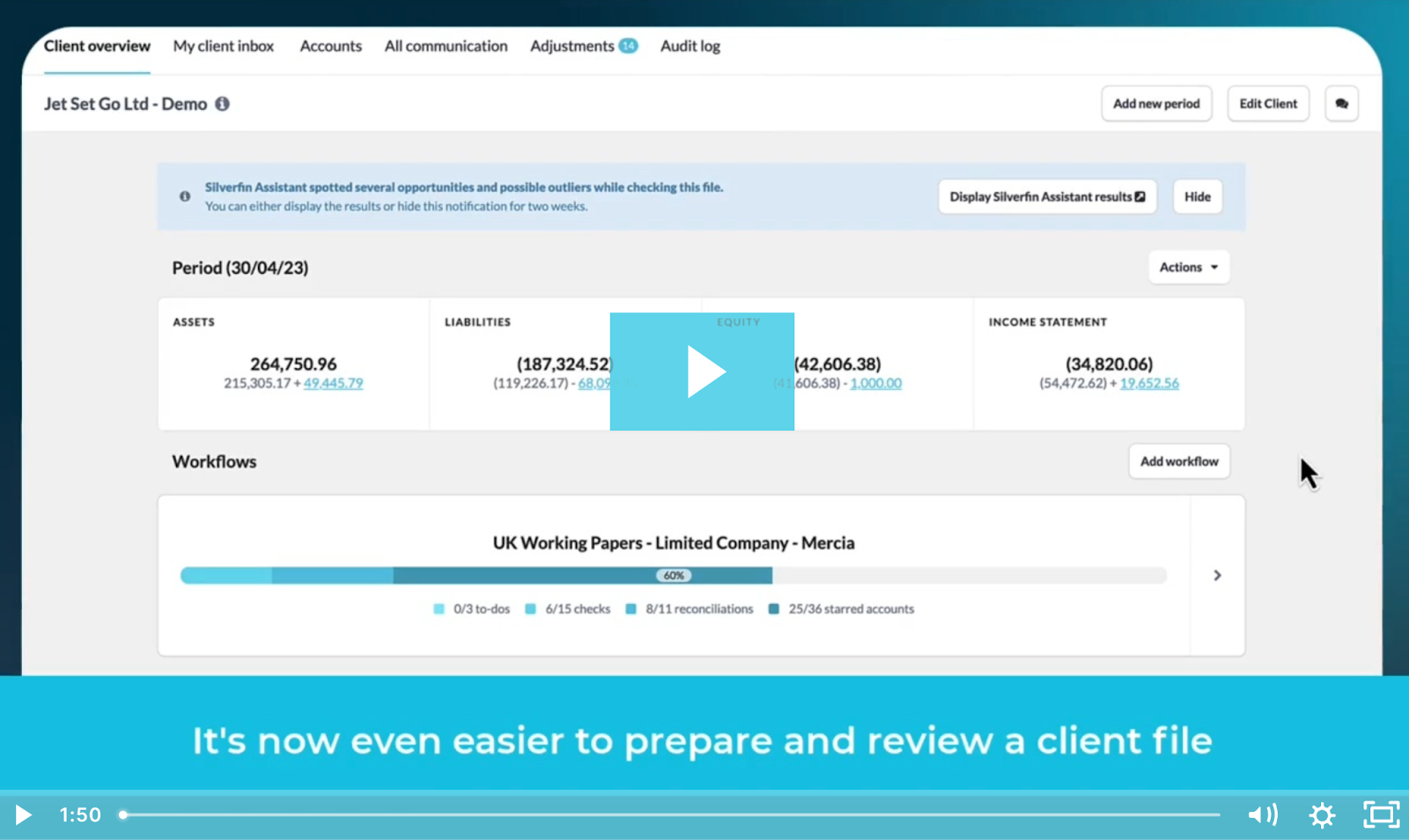
See for yourself:
Customer-centric product development
We’re excited to roll out these improvements to our software. And extend a massive thanks to all our customers whose feedback helps shape our software – helping everyone in the Silverfin community work smarter!
Look out for more enhancements coming soon!